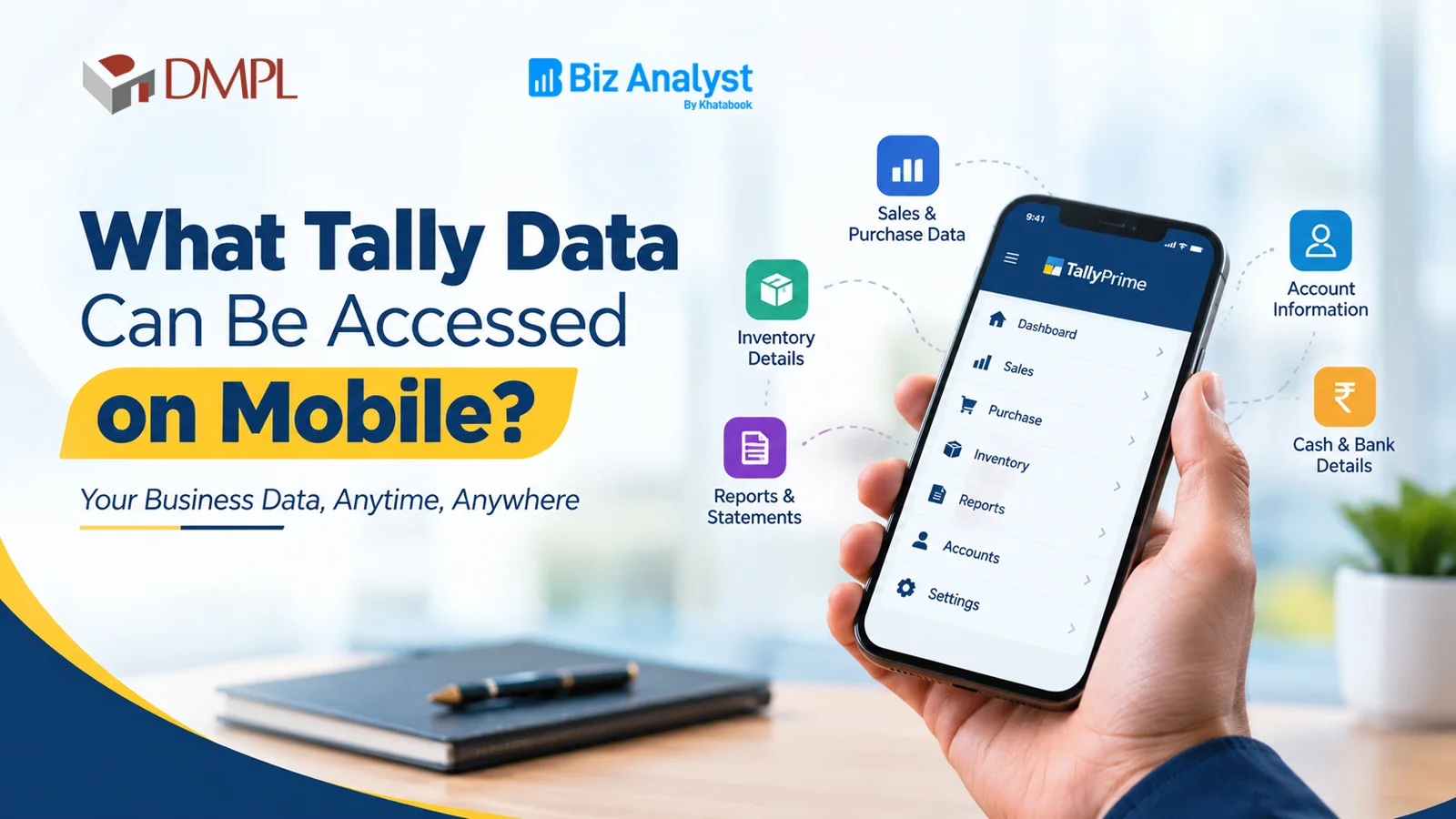
Biz Analyst enables Tally on Mobile by connecting with TallyPrime and presenting business data in a simple, mobile-friendly format. Through the Tally mobile app and web dashboard, business owners and teams can access Tally data on mobile — including sales, purchases, outstanding payments, inventory and customer performance.
This guide explains what Tally data can be accessed on mobile with Biz Analyst, how TallyPrime on Mobile helps in day-to-day decisions and how businesses manage business data from mobile in real scenarios. You will also find common questions and guidance on when Biz Analyst is the right choice for your TallyPrime mobile access needs.
What Tally Data Can Be Accessed on Mobile?
Biz Analyst lets you access Tally data on mobile from TallyPrime and presents it in a simple, mobile-friendly format. The main categories of data include sales, purchases, outstanding receivables and payables, inventory and stock, ledger and voucher information and customer-wise performance.
In simple terms, Biz Analyst acts as a reporting layer on top of TallyPrime, so business owners can view the same trusted Tally data on mobile from anywhere without sitting at the accounting system.
Sales Data on Mobile
Sales is one of the most important areas Biz Analyst tracks on mobile. Business owners can monitor how sales are moving on a daily, weekly and monthly basis, and identify which parties and items are contributing the most.
- Daily sales summary: Total sales for the day, week and month.
- Party-wise sales: Which customers are buying the most.
- Item-wise sales: Top-selling and slow-moving items.
- Sales comparison: Current period vs previous period performance.
- Salesman-wise sales: Performance of individual sales team members.
This data helps businesses understand where revenue is coming from and where attention is needed — all accessible from the Tally mobile app.
Purchase Data on Mobile
Biz Analyst also tracks purchase-related data on mobile so businesses can monitor buying activity and supplier relationships.
- Purchase summary: Total purchases for a selected period.
- Supplier-wise purchases: Which suppliers the business buys from most.
- Item-wise purchases: Purchase trends for specific items.
- Purchase comparison: Current period vs previous period buying.
This helps businesses keep track of procurement and plan purchases better through TallyPrime mobile access.
Outstanding Payments on Mobile (Receivables and Payables)
Tracking outstanding payments is critical for cash flow. Biz Analyst shows receivables and payables on mobile clearly, so businesses know who owes them money and whom they need to pay.
- Receivables: Party-wise outstanding balances, ageing analysis and total amount to be collected.
- Payables: Supplier-wise outstanding balances and total amount to be paid.
- Ageing analysis: How long amounts have been outstanding — 0–30 days, 31–60 days, 61–90 days and above.
- Overdue tracking: Parties with amounts pending beyond the agreed period.
This data helps businesses follow up on collections and plan payments in advance — directly from mobile.
Inventory and Stock Data on Mobile
Biz Analyst tracks inventory and stock information on mobile so businesses always know what is available and what is moving.
- Stock summary: Current stock levels of items.
- Item-wise stock: Quantity available for each item.
- Godown-wise stock: Stock position across multiple locations.
- Stock movement: Fast-moving and slow-moving items.
- Stock value: Value of inventory held at any time.
This helps businesses avoid stock-outs and overstocking, and plan purchases more accurately using Tally on Mobile.
Customer and Party Performance on Mobile
Biz Analyst helps businesses understand how each customer is performing, which is useful for sales planning and relationship management — accessible through TallyPrime on Mobile.
- Customer-wise sales: Which customers are contributing the most.
- Customer-wise outstanding: Which customers have pending balances.
- Payment history: How regularly a customer pays.
- Growth trends: Whether a customer's business is growing or declining.
This data helps businesses focus on their best customers and manage the ones that need attention.
Ledger and Voucher Data on Mobile
Biz Analyst also provides access to ledger and voucher-level information on mobile for reference.
- Ledger balances: Balance of each ledger account.
- Voucher details: Individual transaction entries for verification and reference.
- Party ledgers: Full transaction history for each party.
This helps teams cross-check information and answer customer or supplier queries quickly — from anywhere using the Tally mobile app.
Practical Examples: How Businesses Use Tally on Mobile
To understand the value of the Tally data you can access on mobile, consider a few common business scenarios.
Example 1: A Distribution Business
A distribution company tracks daily sales, party-wise outstanding balances and stock levels through Biz Analyst on mobile. Salesmen see their assigned parties' balances on the Tally mobile app, and the owner monitors overall receivables and stock position without calling the accounts team.
Example 2: A Trading Business
A trading business owner uses Biz Analyst to track top-selling items, slow-moving stock and outstanding payables on mobile. This data helps the owner decide what to purchase next and when to release payments to suppliers — all through TallyPrime mobile access.
Example 3: A Multi-User Business
A business with separate sales, accounts and management teams assigns different Biz Analyst roles to each user. Sales users see customer sales and outstanding, accounts users see ledgers and payments and management sees overall dashboards — all on mobile.
When, How and Why Should a Business Access Tally Data on Mobile?
When should a business access Tally data on mobile?
Accessing Tally data on mobile is useful for any business that uses TallyPrime and wants faster, mobile access to sales, purchases, outstanding payments, inventory and customer performance. It is especially valuable for owners and teams who are frequently away from the accounting system.
How does a business access Tally data on mobile?
A business connects Biz Analyst to its TallyPrime company data, sets up user roles and shares app access with the relevant team members. The data is then viewed through the Biz Analyst mobile app and web dashboard, enabling Tally on Mobile.
Why access Tally data on mobile with Biz Analyst?
Biz Analyst extends TallyPrime data beyond the accounting desk. It gives business owners and teams real-time visibility on mobile, reduces manual reporting effort and supports faster, better-informed decisions.
Tally on Mobile Solutions by Doric Multimedia
Doric Multimedia helps businesses set up and use Biz Analyst for Tally on Mobile with TallyPrime. From initial configuration and user role setup to guidance on reports and best practices, Doric Multimedia can help you get the most out of your TallyPrime data through TallyPrime mobile access.
Frequently Asked Questions
Can I access outstanding receivables and payables on mobile?
Yes, Biz Analyst provides receivables and payables reporting on mobile, including party-wise outstanding balances and ageing analysis, so businesses can track collections and payments more effectively through Tally on Mobile.
Can I track inventory and stock levels on mobile?
Yes, Biz Analyst provides inventory reporting on mobile, including item-wise stock, godown-wise stock, stock movement and stock value, so businesses can monitor their inventory position at any time using TallyPrime on Mobile.
Can I track customer-wise sales and payments on mobile?
Yes, Biz Analyst allows businesses to track customer-wise sales, outstanding balances and payment history on mobile, which helps in sales planning and relationship management.
Can I control what data each user can see on mobile?
Yes, Biz Analyst supports user roles and permissions. Business owners can decide which reports and parties each user can access on mobile, keeping data relevant and controlled.
Does Biz Analyst replace TallyPrime?
No, Biz Analyst does not replace TallyPrime. It works alongside TallyPrime by providing mobile and web access to business data, while TallyPrime remains the main accounting and recording system.
Conclusion
Biz Analyst lets you access a wide range of Tally data on mobile from TallyPrime, including sales, purchases, outstanding receivables and payables, inventory and stock, customer performance and ledger-level information. This data helps businesses stay informed, follow up on collections and plan purchases and sales more effectively — all through Tally on Mobile.
If you need help setting up Biz Analyst for Tally on Mobile with TallyPrime or want guidance on reports and user roles, Doric Multimedia can help you plan and implement a suitable setup for your business. Contact us to discuss your TallyPrime mobile access needs.